
Background Audio Playback on Apple Watch
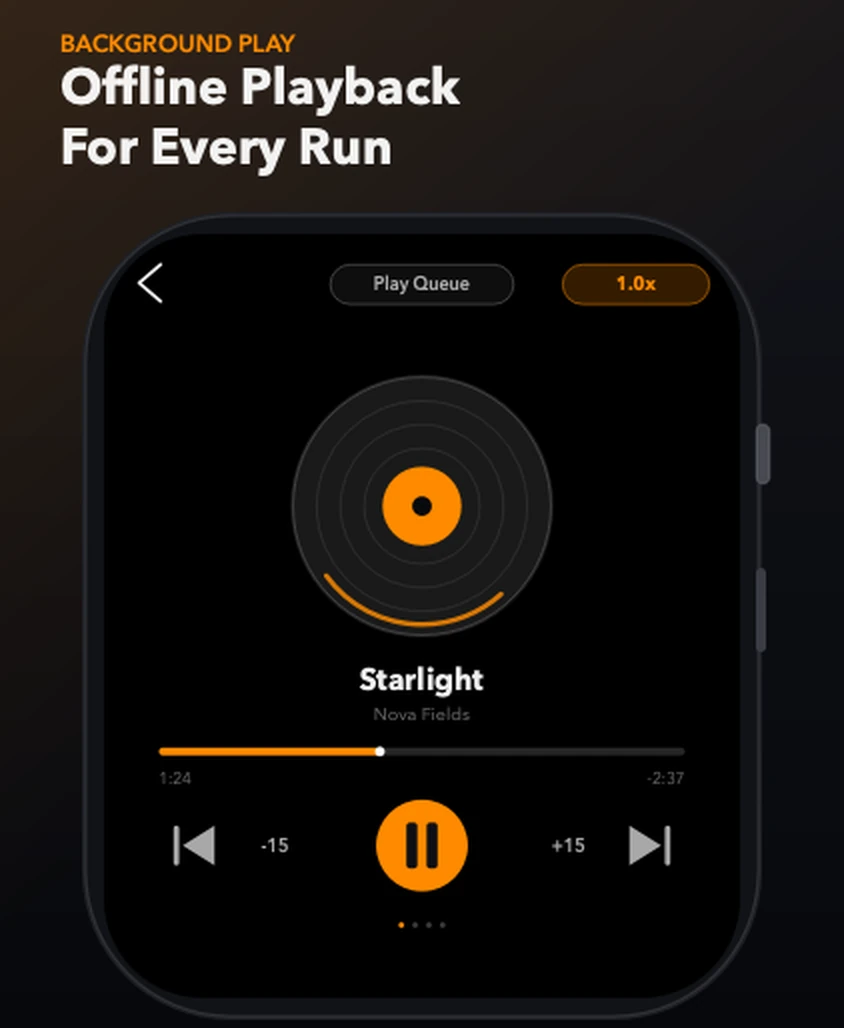
Music keeps playing after you lower your wrist or leave the app, so a workout, walk or commute is not interrupted.
In short: TickPlay keeps playing when you lower your wrist or leave the app. Background audio continues during a workout, walk or commute, and playback resumes from the exact position you stopped at.
What problem it solves
A player that stops the moment the screen turns off is useless while running, cycling or commuting. Those are exactly the moments when you are not looking at your watch.
How it works
-
Step 1
Start playback from the Library or the player screen.
-
Step 2
Lower your wrist or press the Digital Crown to leave the app.
-
Step 3
Audio continues in the background.
-
Step 4
Return to TickPlay, or use the system Now Playing controls, to pause or change track.
What you get
Survives a lowered wrist
Background audio keeps running when the display sleeps, which is the normal state during a workout.
Survives leaving the app
Playback continues after you switch to another app, including the Workout app.
Resumes where you stopped
Playback resumes from the exact position you left, rather than restarting the track.
Limits and conditions
TickPlay is accurate about what it does and does not do. These are the conditions that apply to this feature:
- Background audio still consumes battery; long sessions reduce watch runtime.
- Audio output requires Bluetooth headphones or a speaker connected to the watch.
- The iPhone is not required during playback, but is required to install and update the app.
Before you rely on it
TickPlay is a watch app. Installing and updating it goes through the App Store on a paired iPhone, and files have to be transferred from a computer before offline playback is possible. Playback itself needs neither.
Try it
TickPlay runs on watchOS 10 or later and is available on the App Store as a one-time purchase. See the guides for step-by-step help, or the frequently asked questions for short answers.
Sources
- TickPlay on the App Store — last verified 2026-10-10
Feature claims on this page are checked against the TickPlay App Store listing. Last verified 2026-10-10.