
Offline Music Playback on Apple Watch
Play music files stored locally on Apple Watch, with no network connection and no iPhone nearby.
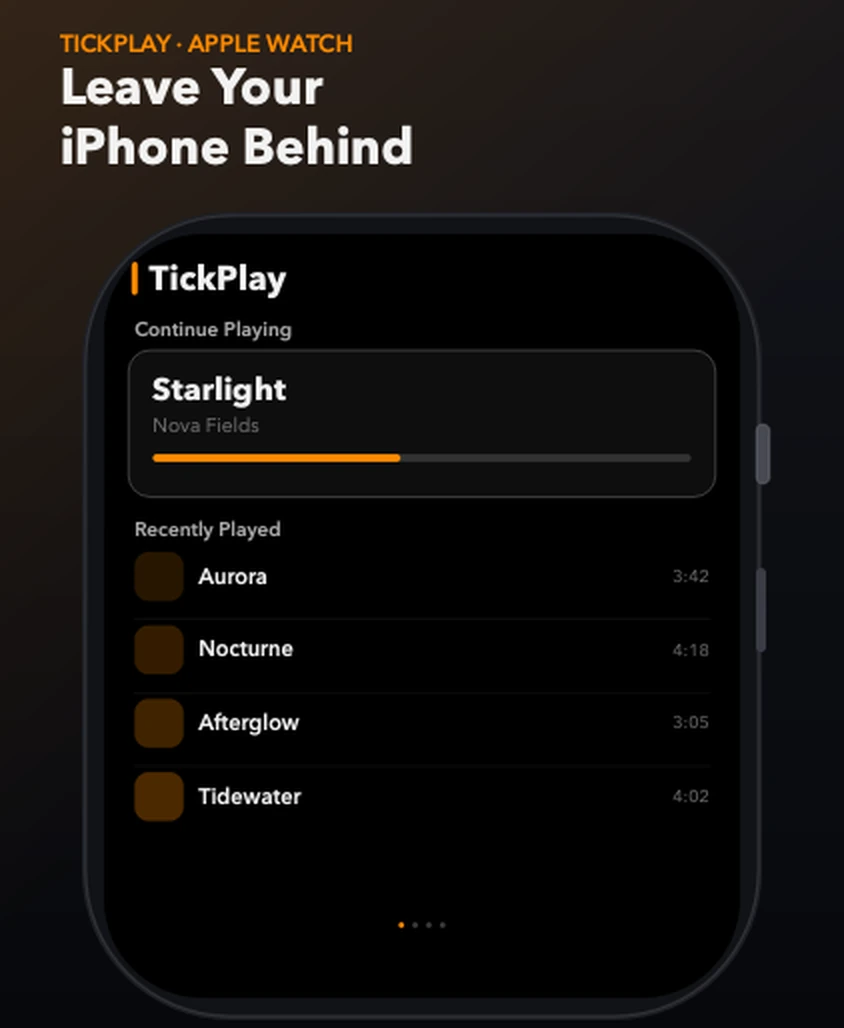
In short: TickPlay plays audio stored on the Apple Watch itself. You transfer your own files to the watch first, then play them with no network connection and no iPhone nearby.
What problem it solves
Apple Watch has no built-in way to carry your own music library. The stock Music app is built around Apple Music and iCloud, and many watch players still expect a paired iPhone to be nearby or a streaming subscription to be active. If you want a specific FLAC album, a recording of your own band, or an audiobook file you already own, there is no obvious place to put it.
How it works
-
Step 1
Prepare supported local audio files on your computer.
-
Step 2
Put the watch and the computer on the same Wi-Fi network and start a local file server on the computer.
-
Step 3
Use the Download screen in TickPlay to scan the server and pull the files onto the watch.
-
Step 4
Open the Library tab and play the stored files — no phone, no network, no account.
What you get
Plays from watch storage
Audio is read from on-watch storage, so playback continues with the iPhone switched off or left at home.
No streaming subscription
TickPlay plays files you already own. There is no catalogue, no subscription and no cloud library.
Survives a dropped transfer
A transfer that drops out leaves finished files intact. Scan again and only the missing files come down.
Limits and conditions
TickPlay is accurate about what it does and does not do. These are the conditions that apply to this feature:
- Files must be transferred to the watch before they can be played offline.
- Only supported formats can be played; some containers can be stored but not decoded.
- On-watch storage is subject to a quota you choose (500 MB, 1 GB or 2 GB).
- Installing the app and transferring files still requires a paired iPhone and a computer.
Before you rely on it
TickPlay is a watch app. Installing and updating it goes through the App Store on a paired iPhone, and files have to be transferred from a computer before offline playback is possible. Playback itself needs neither.
Try it
TickPlay runs on watchOS 10 or later and is available on the App Store as a one-time purchase. See the guides for step-by-step help, or the frequently asked questions for short answers.
Sources
- TickPlay on the App Store — last verified 2026-10-10
Feature claims on this page are checked against the TickPlay App Store listing. Last verified 2026-10-10.