
Supported Audio, Video and Lyric Formats
Which audio, video and lyric formats TickPlay plays, which it decodes itself, and which it can only store.
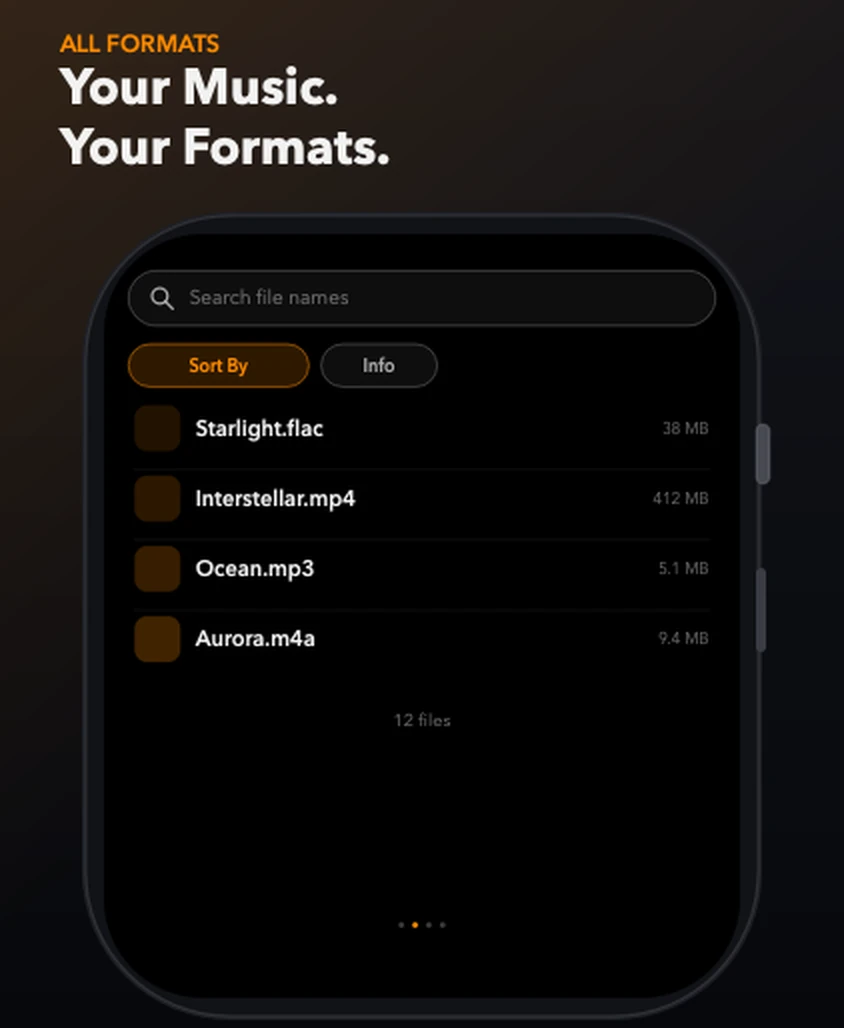
Quick answer: TickPlay plays MP3, M4A, AAC, WAV and M4B natively, and FLAC, OGG, Opus, WMA and APE through its built-in decoder. Video playback covers MP4, M4V, MOV and 3GP. Lyrics come from .lrc files. Other containers, such as MKV and AVI, can be transferred and stored but will not play.
Limits and conditions
- Transfer support and playback support are different things. Some files can be stored without being playable.
- Playback support depends on the decoders actually implemented in the version you have installed.
If something goes wrong
- A video file will not play
- Only MP4, M4V, MOV and 3GP play. Convert other containers first.
- Lyrics do not appear
- The .lrc file must share the track's filename, for example Starlight.flac and Starlight.lrc.
Where this information comes from
These steps describe the behaviour of TickPlay 1.0.9 and are checked against the App Store listing and the official support documentation. If a step does not match what you see, email zfwkqns@gmail.com with your Apple Watch model and watchOS version.
Sources
- TickPlay on the App Store — last verified 2026-10-10
Steps on this page reflect the TickPlay 1.0.9 release. Last verified 2026-10-10.